CRM & sales
Customer records, pipeline systems, and revenue workflows that agents need to read, update, and escalate.
CRMs, support tools, finance, communications, identity, data warehouses, and your own APIs. Scoped credentials. Per-agent permissions. Full audit on every call.
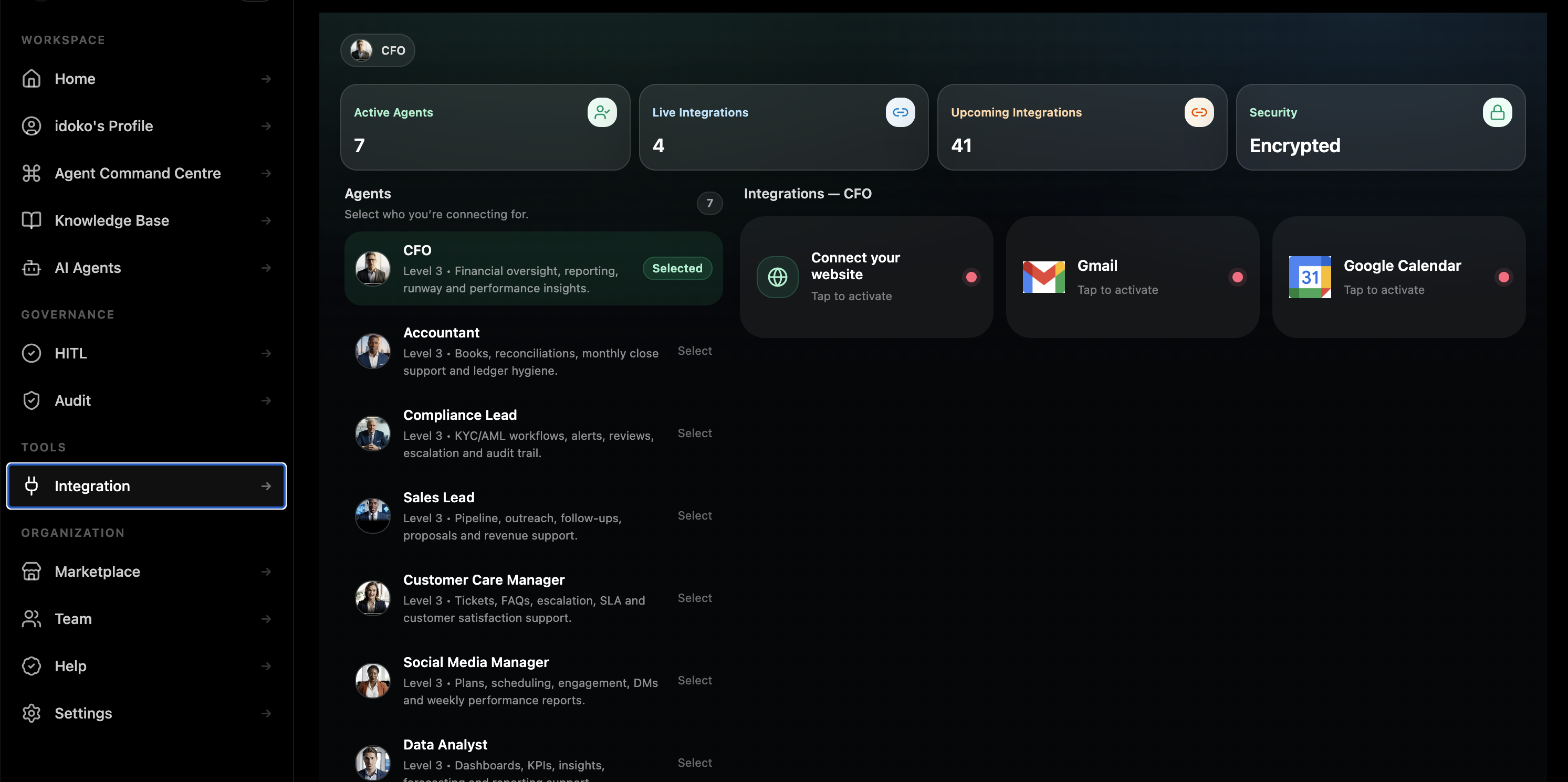
Connect Pryme Intelligence with the tools, platforms, and systems your team already uses, so your workflows stay in sync without changing how your business operates.
Customer records, pipeline systems, and revenue workflows that agents need to read, update, and escalate.
Support desks, inboxes, escalation queues, and feedback systems that shape live service delivery.
The systems behind payments, reconciliation, ledgers, exception review, and finance operations.
Channels where agents interact with customers and teams, including web, email, messaging, and business chat.
Identity and directory systems that determine who can access what, and which actions require approvals.
The document systems and operating knowledge bases agents learn from and reference at runtime.
Warehouses, databases, and reporting surfaces that turn the agent from a chatbot into an operator.
Your internal APIs, bespoke tools, private services, and typed workflows connected through the SDK.

When you have a system that is not in the public catalog — internal database, bespoke API, vendor without OAuth — Pryme Intelligence’s connector SDK lets you ship a typed connector quickly. You define the actions, auth flow, and permissions surface. Pryme Intelligence handles credential storage, rate limiting, retry, and audit.
Your code defines what that call does. Pryme Intelligence enforces the auth, rate limit, per-agent permission, and audit event around it.
Data residency matters. Connector traffic is designed to align with the region and tenancy boundaries defined for the Workspace rather than routing through convenience layers that break compliance assumptions.
Sensitive-data handling belongs at the connector layer too. Teams can apply redaction, minimization, and policy controls before data becomes model context.
Every connector call is part of the same immutable audit trail as the rest of the agent’s actions. Not a separate log somewhere else. The same record, the same query surface, the same governance rail.
The public categories on this page reflect the integration model Pryme Intelligence supports today. Exact live connector availability is scoped during deployment review and expanded over time through the connector SDK.
Hours to a day for most internal systems through the connector SDK, depending on auth and workflow complexity.
No. Credentials live in the Workspace secret store. The model sees only the results of authorized tool calls, never the keys themselves.
Yes. Per-agent grants are the default. An integration is invisible to an agent unless it has been explicitly granted access.
Yes. Webhooks can be scoped per agent and event so the agent runs with the same governance and audit rules as any other trigger.
Pryme Intelligence is designed to work cleanly with MCP-style tool surfaces so that governance, permissions, and audit remain consistent even when tools come from external servers.


