Build

Create your Workspace, build a custom agent, or subscribe to a specialist agent that matches the workflow you want to deploy.
Deploy Pryme Intelligence agents across websites, internal workspaces, APIs, customer channels, and connected systems — with governance, approvals, monitoring, and audit records from the first live interaction.
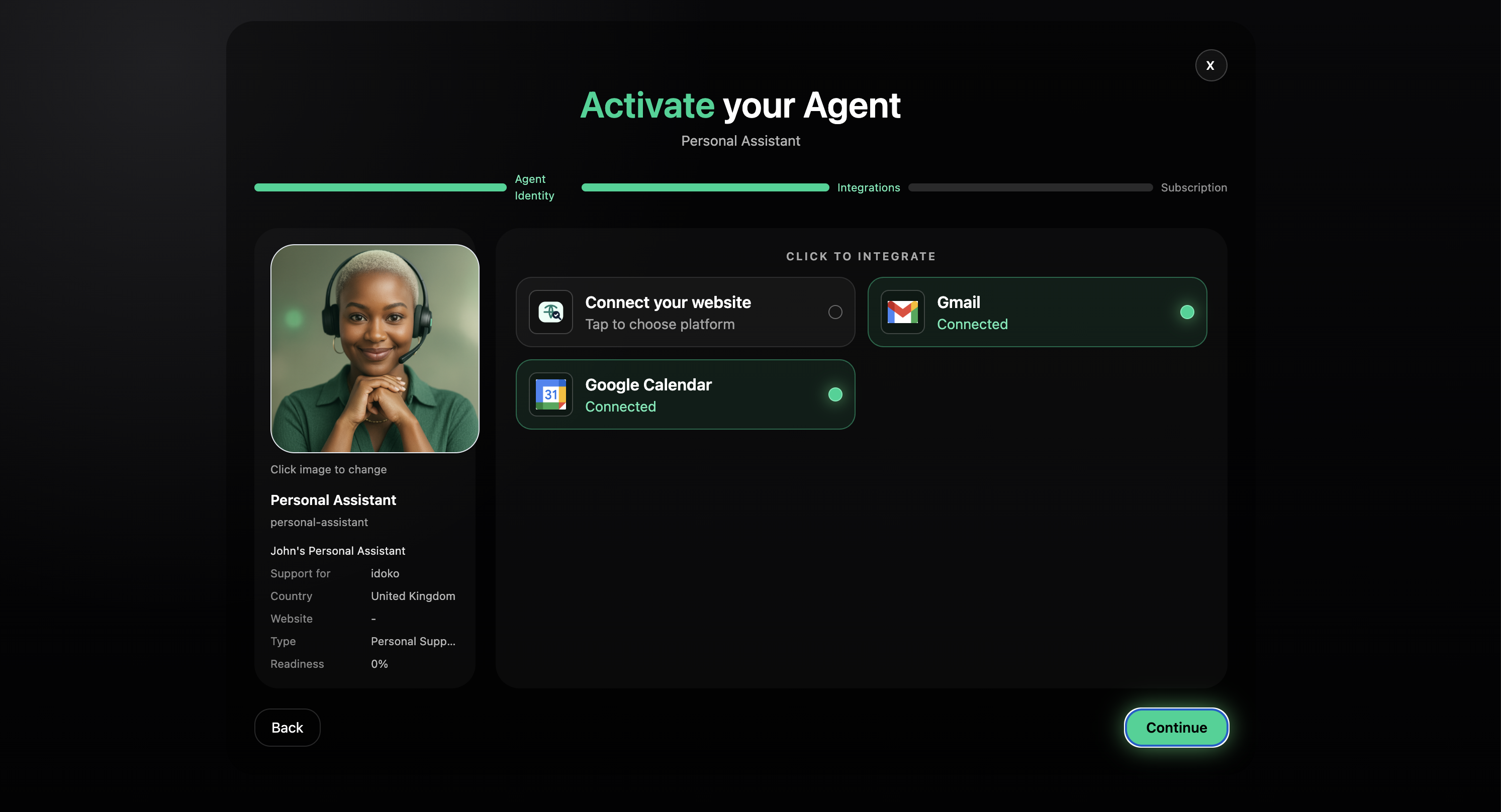
Pryme Intelligence helps teams move agents from draft to production without losing control. Build or subscribe to an agent, connect the systems it needs, test it against real workflows, define its approval policy, and deploy it to the channels where work already happens.
Create your Workspace, build a custom agent, or subscribe to a specialist agent that matches the workflow you want to deploy.
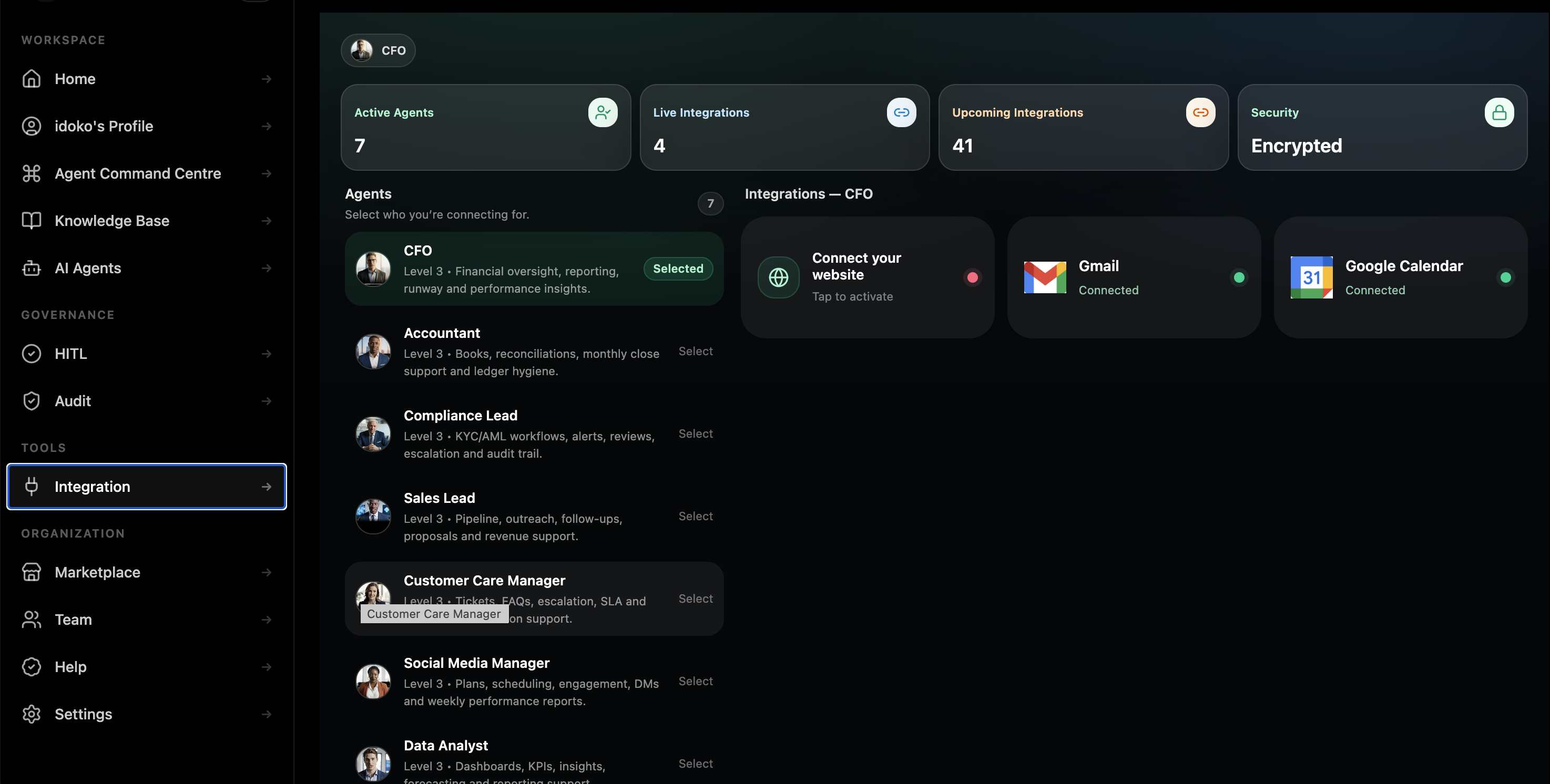
Connect the knowledge, systems, policies, and workflow context the agent needs before it reaches live users.
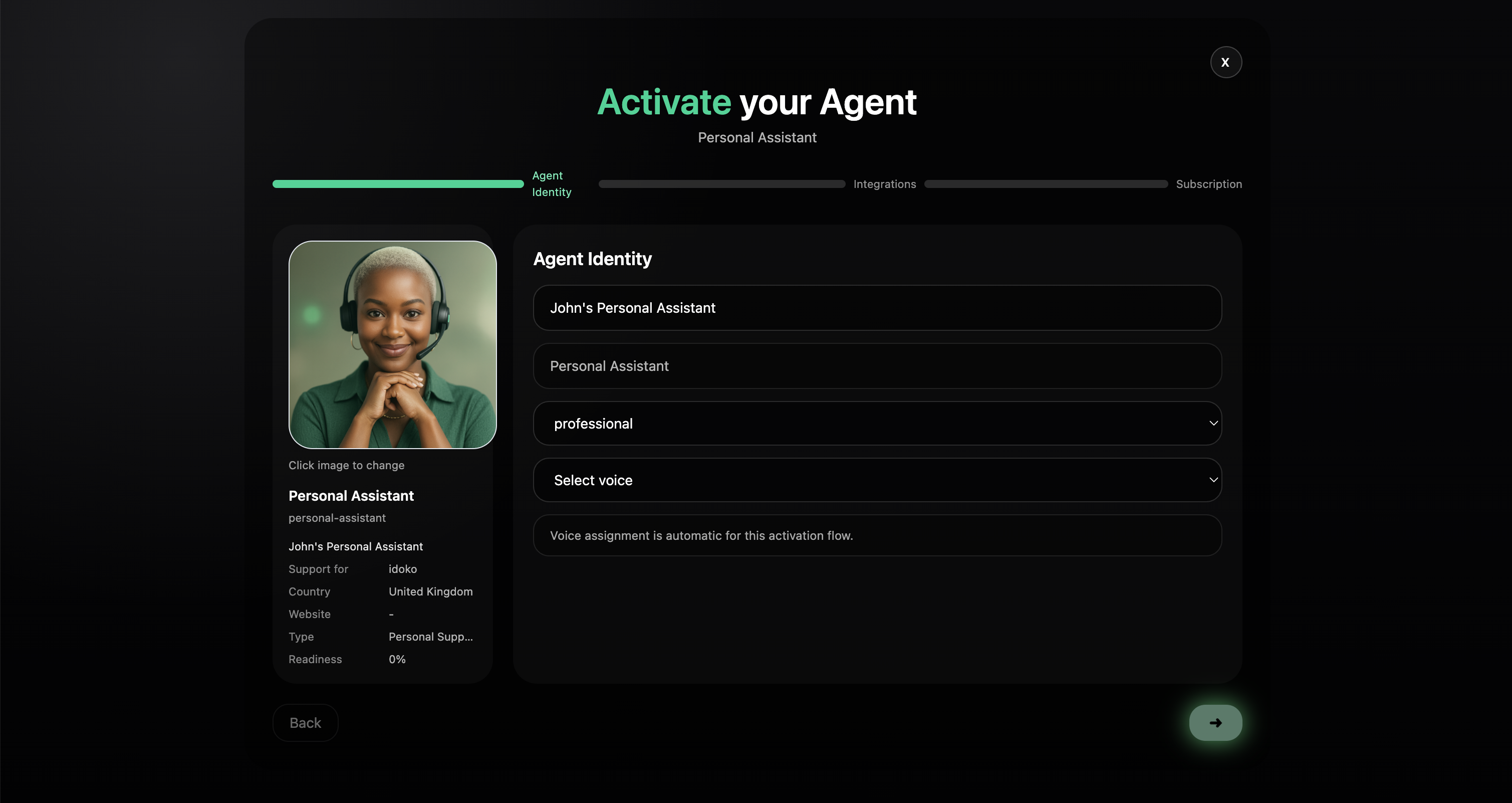
Activate the agent across the right surface — Web, Workspace, API, Email, Slack, Teams, or customer channels.
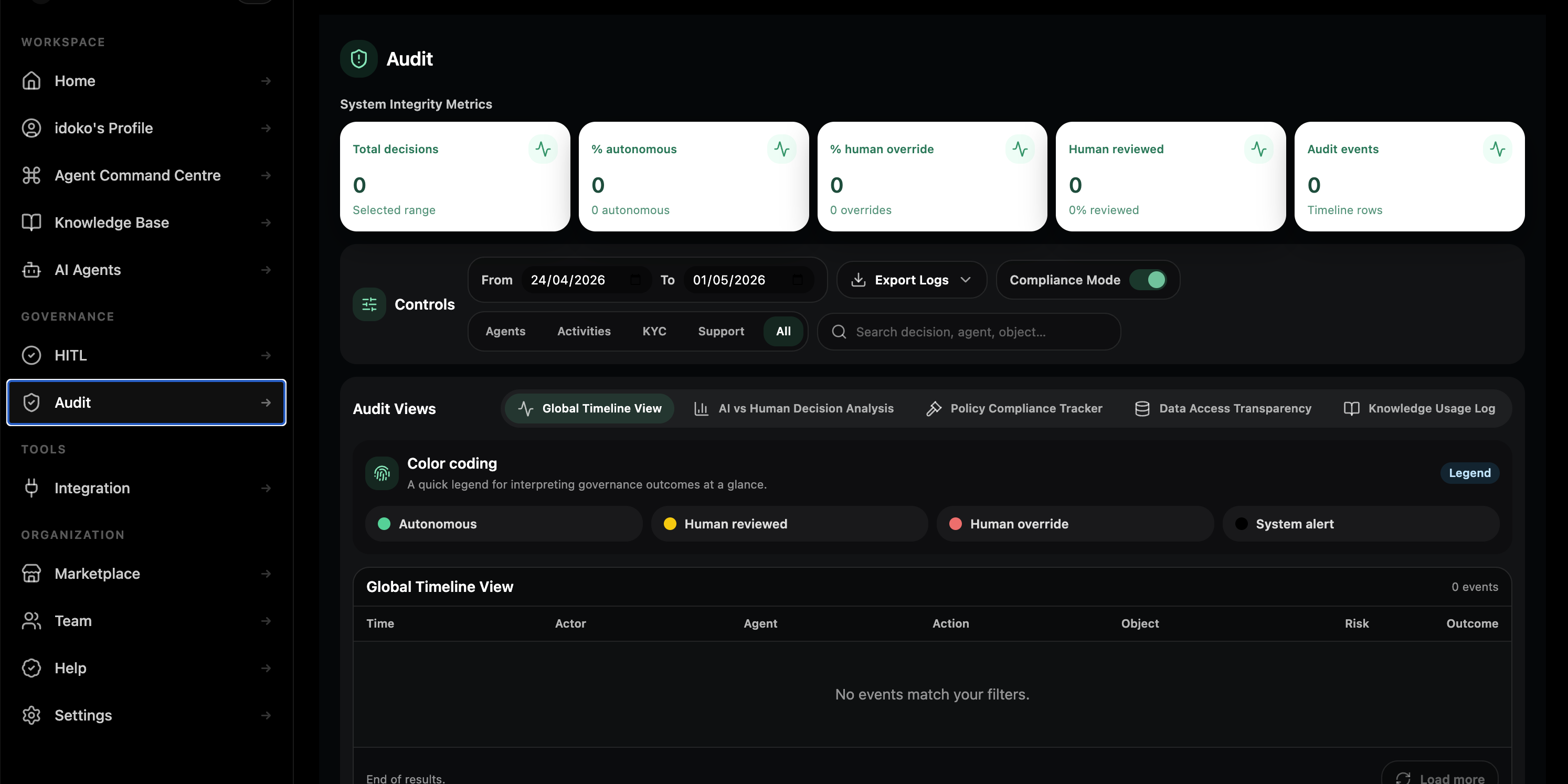
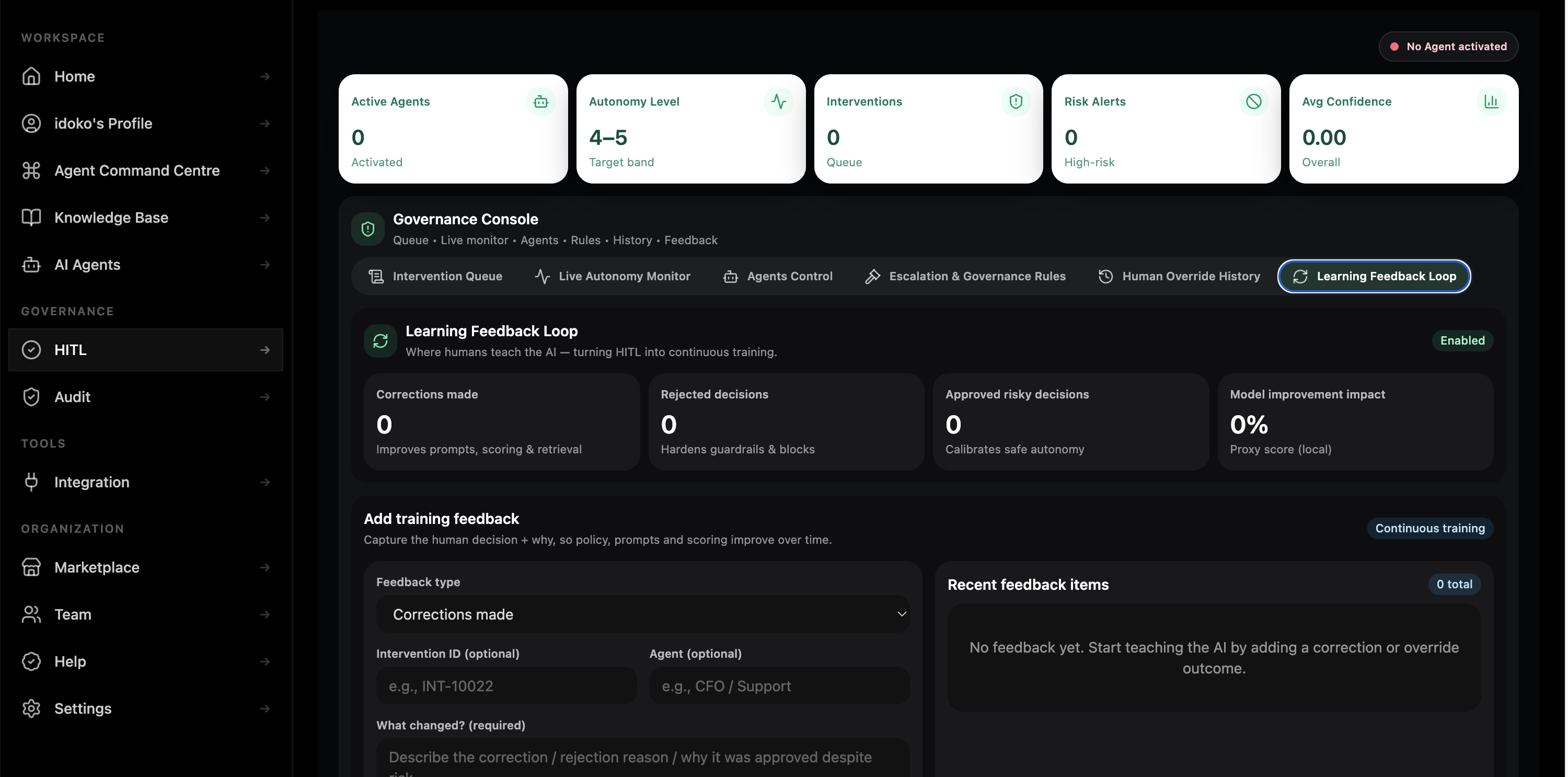
Apply approvals, human review, audit records, deployment controls, and pause-or-disable rules before and after launch.
Move agents from draft to production without losing visibility or governance. Pryme Intelligence gives each deployment a controlled release path, so teams can test changes, review behaviour, approve updates, and roll back when needed.
Build or update the agent safely inside your Workspace before it reaches live users.
Test the agent against real workflows, connected tools, sample conversations, and approval paths before production traffic is exposed.
Every production release has a clear version, owner, change history, and approval record, so teams know exactly what changed and when.
Return to a previous approved version if a release does not behave as expected, while keeping the audit trail intact.
Launch agents on your website for customer support, onboarding, lead capture, product guidance, and service workflows.
Run agents inside Pryme Intelligence for internal teams, operations, finance, compliance, reporting, and administrative workflows.
Embed Pryme Intelligence agents inside your own product, backend systems, partner workflows, and internal tools through governed API access.
Use agents to triage, draft, summarise, escalate, and respond across email-based workflows.
Bring internal agents into the channels where teams already collaborate.
Deploy customer-facing agents through approved messaging and communication channels.
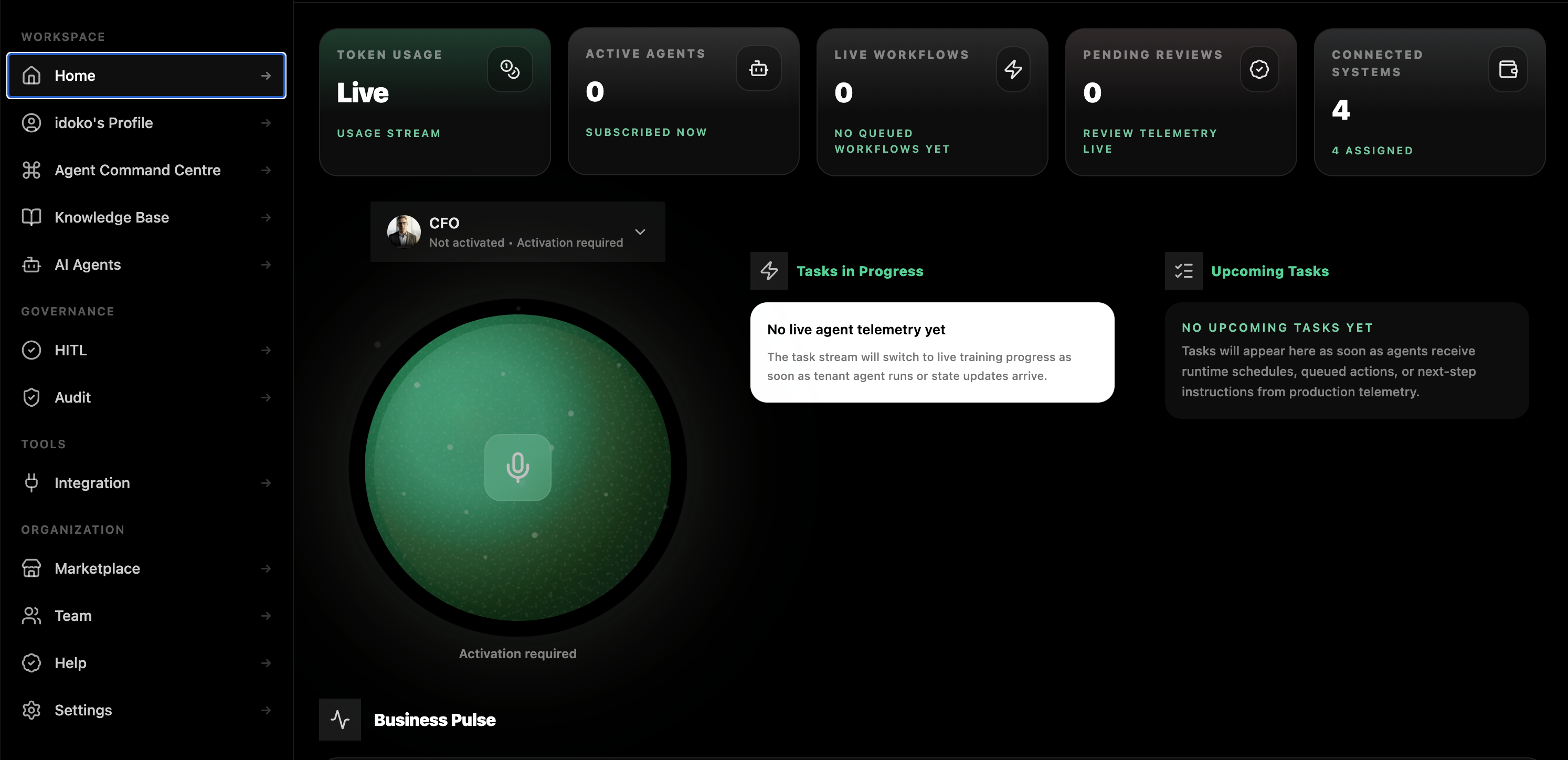
Once an agent is live, Pryme Intelligence gives operations, support, and compliance teams one place to review what is happening across channels.
See active and historical interactions by agent, channel, user, tenant, and workflow.
Review which systems agents accessed, what actions they attempted, and what results came back.
Route sensitive actions to humans with full context before the workflow continues.
Track response time, model usage, tool calls, and operational cost by agent and deployment.
Search and export agent activity, approvals, escalations, overrides, and outcomes.
From your Pryme Intelligence Workspace, teams can build a custom agent, subscribe to a specialist agent, connect the systems it needs, and deploy it into live workflows. Agents can operate inside the Workspace or across external surfaces such as websites, APIs, customer channels, and business tools — with governance, approvals, and audit records applied throughout.
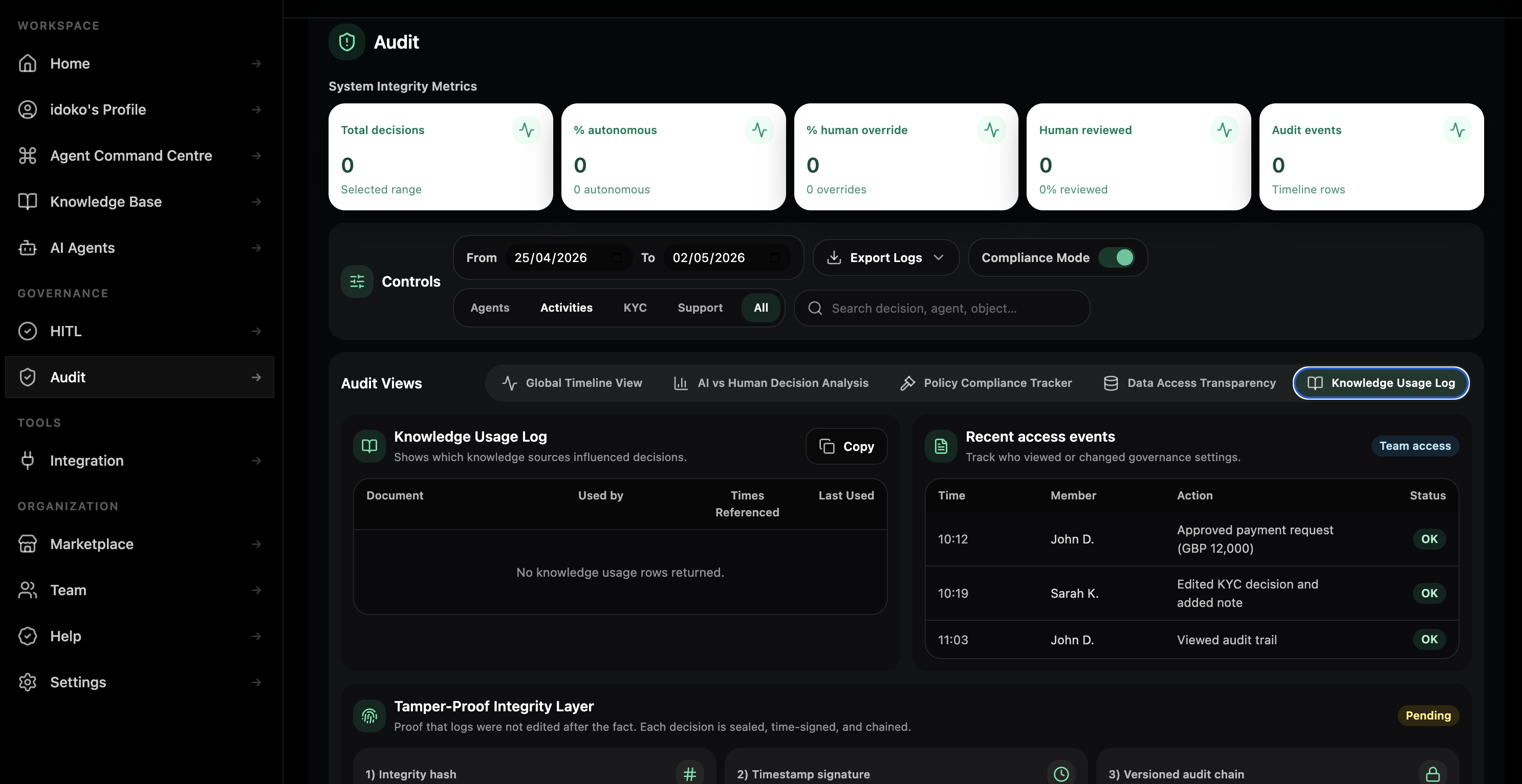
Pryme Intelligence lets teams define a clear operating boundary before each deployment reaches users. Set who can access the agent, what systems it can use, what data it can retrieve, what actions it can perform, and which actions require human approval before execution.
For the web widget, deployment can be completed in minutes once your Workspace, agent, and website embed are configured. WhatsApp Business deployments depend on Meta approval timelines for your number and message templates.
Yes. One agent definition can support multiple deployments, with channel-specific settings for tone, prompts, permissions, and approval rules where enabled.
Pryme Intelligence supports controlled release history and rollback planning for production deployments. Enterprise deployment paths can be reviewed during setup.
Pryme Intelligence is cloud-first today, with private-environment and dedicated-tenant options reviewed as part of enterprise deployment architecture.
For enterprise deployments, Pryme Intelligence can review provider-dependency, model-routing, and fallback options as part of the deployment architecture process.