Solutions · Customer Support
Resolve faster.Escalate cleaner.
Customer support agents your CSAT can defend.
Pryme Intelligence gives customer support teams governed AI agents that resolve tier-1 in your brand voice, hand off the rest with full context, and never take a refund or account change without your supervisor's sign-off — wired to the helpdesk, CRM, and KB you already run.
Listen → Resolve → Hand off → Learn.
The four-pillar pattern Pryme Intelligence applies to every Customer Support workflow: read the full customer context, resolve safely, hand off cleanly, and let the knowledge base get better every week.
Listen
Pryme Intelligence connects to the chat widget, support inbox, in-app help, Slack, Teams, and the tools behind every reply. The agent reads account history, billing context, product usage, and prior tickets before it answers.
Resolve
Pryme Intelligence resolves tier-1 in your brand voice with citations to the knowledge it used. Within the topics you authorise, it answers, takes the action, and closes. Outside those topics, it escalates instead of guessing.
Hand off
When a ticket needs a human, Pryme Intelligence writes the brief: customer, account, history, prior tickets, sentiment, what the agent already did, and what it recommends next. Sensitive actions always route to the named approver.
Learn
Every resolved conversation becomes a signal for the knowledge base. Pryme Intelligence drafts new articles from repeated resolutions, flags stale content, and surfaces gaps before they cost the next customer their next interaction.
What it looks like running on your support stack.
The same Workspace carries every Customer Support agent from setup, through pilot, to governed execution across the chat widget, the helpdesk, and the channels your customers actually use.
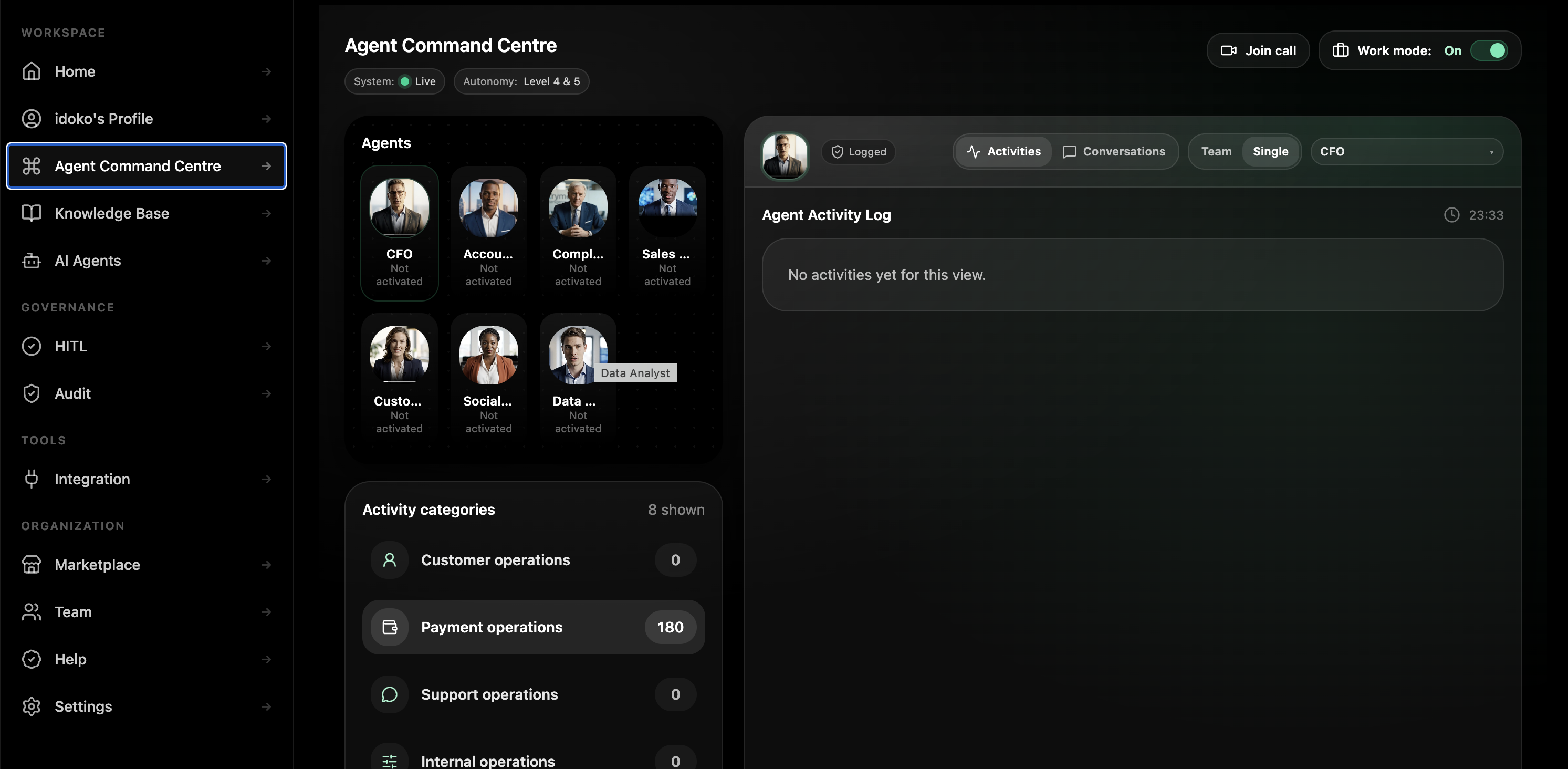
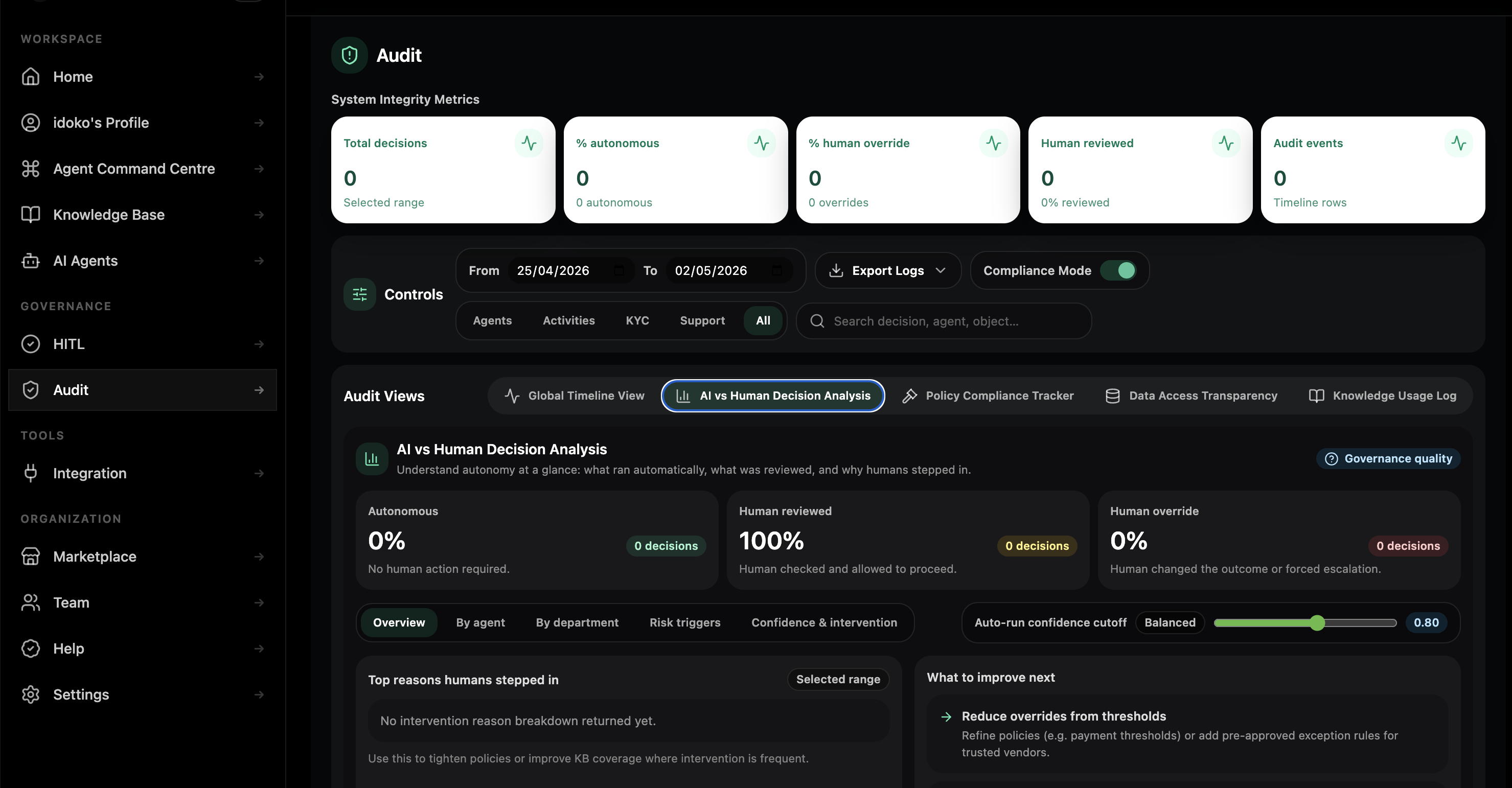
Two pre-trained agents. Five blueprints ready to deploy. Two with enterprise setup.
Two agents come pre-trained — claim them and they activate on your Workspace in minutes. Five blueprints ship as pre-configured starting points in the chat builder, ready to deploy on your data the same day. Voice and proactive sentiment monitoring ship with the solutions team alongside you.
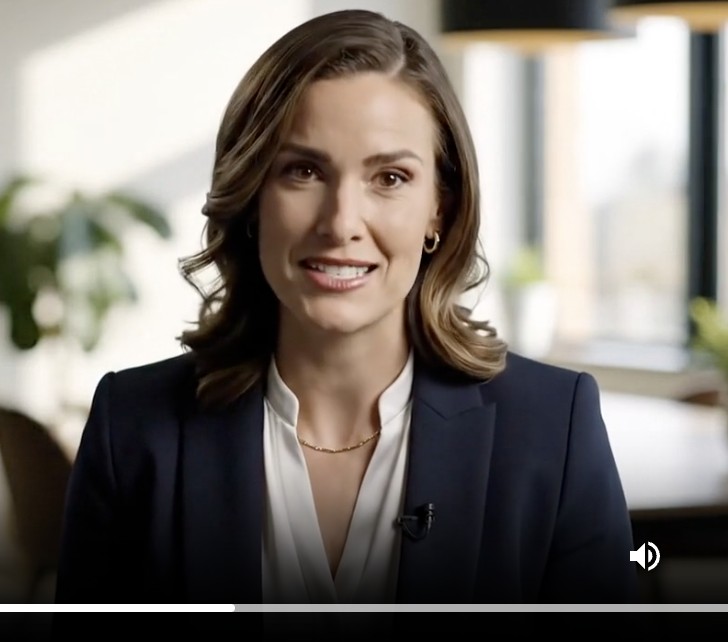
Customer Support Agent
Acts as a senior support specialist across chat, email, and in-app. Reads the account, history, and usage context. Resolves tier-1 in your brand voice and escalates the rest with full context attached.
- Resolves common billing, account, access, and product questions with KB citations under every answer.
- Reads helpdesk, CRM, billing, and usage context before replying so the customer does not re-explain the problem.
- Routes refunds, account changes, and data exports to the named human approver with the reasoning already attached.
Knowledge Manager Agent
Owns KB freshness. Drafts new articles from resolved tickets, flags repeat escalations that should become content, and surfaces stale articles before they cost the next interaction.
- Drafts new KB articles from clusters of similar resolutions already happening in the queue.
- Flags stale or low-confidence articles before they become another escalation path.
- Routes every article draft and update to the named KB lead for approval with the source tickets linked.
Day one, week two, quarter end.
What support adoption looks like when the first agent is deployed into one real queue, then scaled into a governed support fleet.
Day one
A Director of Support Operations spins up a Workspace, hires the Customer Support Agent on one chat surface, and watches overnight billing and account questions get resolved before the morning stand-up.
Week two
The team adds Ticket Triage to the email queue. Tickets arrive classified, prioritised, and with a suggested first reply, while supervisors set the first refund and escalation thresholds.
Quarter end
Support owns a governed fleet across tier-1 resolution, ticket triage, escalation briefing, knowledge drafting, and outage communications, each running under the same audit trail and approval model.
Why an agent platform — not a single-purpose AI vendor, a CCaaS add-on, or another chatbot.
Most support teams have already bought at least one of the columns below. Each does something. None solve the ‘AI you can sign off on’ problem with the same platform that runs the rest of the business.
| Capability | Pryme Intelligence | Vertical AI support tools | CCaaS native AI | Old-school chatbot |
|---|---|---|---|---|
| Setup time | Days | Weeks to months | Quarters | Hours |
| Brings full customer context | Yes — helpdesk, CRM, billing, product usage, and prior tickets | Per-vendor connector model | Within their suite only | No |
| Audit trail of agent decisions | Immutable, exportable, queryable | Limited by vendor | Per-suite logs | None |
| Approvals on sensitive actions | Built-in policy engine with named approvers | Variable per vendor | Within suite limits | None |
| Adapts to a new product or policy | Update the agent in chat in minutes | Vendor change request | Vendor release cycle | Rule rebuild |
| Multi-channel out of the box | Web, email, Slack / Teams, in-app, voice enterprise path | Mostly chat | Within their suite | Single channel |
| Same platform as your finance, compliance, and ops agents | Yes — one Workspace | No — single-purpose vendor | No — CCaaS only | No |
| Cost shape | Subscription + usage | Per-conversation pricing | Per-agent seat + AI add-on | Per-seat |
Supervisor-defensible by design.
Pryme Intelligence ships the support architecture teams usually cobble together in pieces: tenant isolation, a knowledge layer across tickets and customer context, a governance rail for approvals, and a runtime that logs every reply, action, escalation, and approver.
Built for the support leaders who have to defend the reply.
VP Customer Support / Chief Customer Officer
You need AI that moves deflection without moving CSAT the wrong way. Pryme Intelligence gives you a governed support layer without locking the firm into a single-purpose support vendor.
Director / Head of Support Operations
You need fewer tier-1 tickets in the queue, cleaner hand-offs, and more time on the hard cases. Pryme Intelligence runs the repetitive work and surfaces the exceptions that still need your team.
Head of Knowledge Management
You need a knowledge base that compounds with every ticket, not one that ages with every product release. Pryme Intelligence drafts articles, flags stale content, and routes approvals to the KB lead.
Head of Trust & Safety / Privacy
You need to know that adding AI to customer channels does not expand risk. Pryme Intelligence adds evidence for every reply, action, approval, and escalation instead of introducing a new audit blind spot.
What changes in the first quarter.
Targets below are typical for support teams in the first 90 days. Your numbers depend on starting state, channel mix, and ticket complexity — bring a real queue and we’ll model the lift on your data.
| Metric | Today (typical) | With Pryme Intelligence (target) |
|---|---|---|
| Time to first response (TTFR) | Hours | Seconds for tier-1 intents |
| Tier-1 deflection rate | 20–40% | 60–80% with full context |
| Average handle time on human-handled tickets | 12–25 min | 30–50% lower with escalation briefs pre-assembled |
| KB freshness | Articles aged 6–24 months | New articles drafted weekly from resolved tickets |
| Escalation context completeness | Customer re-explains 2–3 times | Full brief attached on every hand-off |
| CSAT under queue pressure | Flat or down | Stable to up with consistent brand voice |
| Agent satisfaction / attrition | Burnout from repetitive volume | Bots do the boring work so humans do the hard cases |
Bring a real ticket queue.We'll show you what Pryme Intelligence does with it.
Thirty minutes. One channel you actually run. We’ll deploy a Pryme Intelligence agent on it live and walk through the audit trail it produces.
Questions support leaders ask first.
Will an agent issue a refund or change a customer account without my supervisor’s approval?
No. Refund authority, account-change authority, and data-export authority are permissions you grant, not defaults. Sensitive actions route to a named approver with the reasoning, history, and policy citation attached, and the approval step is logged with the approver identity and the final resolution.
How does the audit trail work when a customer disputes what an agent said?
Every reply, action, and escalation is recorded in an immutable log with the conversation, the data the agent saw, the policy it applied, the approver if one was required, and the timestamp. You do not reconstruct what happened later — you query the trail directly.
What happens when a customer asks something the agent doesn’t know?
It escalates with context, not with a guess. When the topic is out of scope, the KB has no answer, or the customer needs a human, the agent writes the escalation brief and routes to the on-duty team so the next person walks in informed.
Where does customer PII go?
Inside your Pryme Intelligence Workspace, isolated per tenant and encrypted in transit and at rest. Region-scoped deployment options are configured during onboarding, transcript handling follows your retention policy, and Pryme Intelligence does not train shared models on your customer data.
Does Pryme Intelligence integrate with our existing helpdesk and support stack?
Yes. The platform is designed to sit above the systems support already uses — Zendesk, Salesforce Service Cloud, Intercom, Freshworks, Kustomer, HubSpot, billing tools, CRMs, KBs, and custom APIs — with the same governance rail applied across them.
What about voice channels?
Voice ships in our Enterprise Setup tier because telephony, consent, and regional recording rules vary by firm. The voice path uses the same brand voice, the same approval policy, and the same audit trail as the chat agents, with live human takeover available at any point.
How is this different from Decagon, Sierra, Ada, or Intercom Fin?
Pryme Intelligence connects to your existing systems instead of pulling you into a single-purpose vendor silo, applies a configurable policy engine that maps to your own delegation of authority, and runs in the same Workspace your finance, compliance, and operations teams already use. One vendor, one Workspace, one audit trail across the firm.